


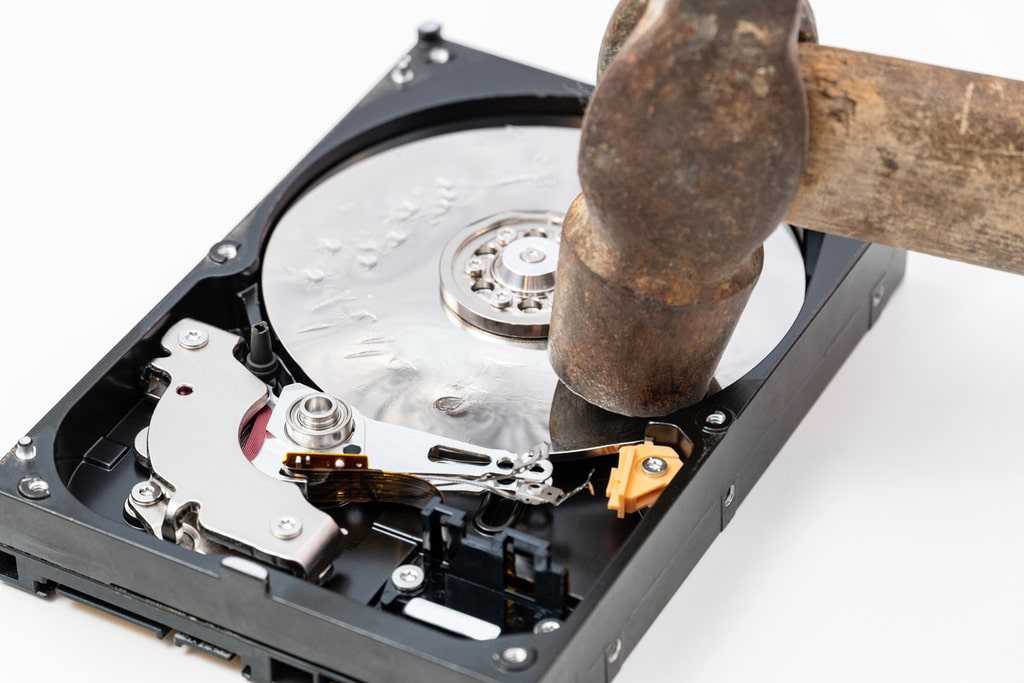
By now, in all business environments, technology unequivocally means production.
These are two aspects that complement each other.
Technology equipment, which constitutes office equipment, is the primary means by which value is produced within thecompany; and turnover travels at the same speed as the data in one’s hard drive.
For this very reason, damage to one’s hard drive represents a nightmare.
But what to do when you are the victim of this unexpected event?
Of solutions, although not immediate, there are many.
Before we get to these, however, it is important to ask what you could do to prevent damage to your hard drive.
How to prevent hard disk damage? The signs
Any hard disk, working at full capacity, is bound to break down at some time.
Usually, the life cycle is between 4 and 8 years-this is if you use it carefully and maintain it well.
In any case, after a few years it is necessary to pay attention to some possible anomalies, which should be considered alarm bells of impending hard disk failure.
If considered in time, they could make all the difference, nipping in the bud damage that can make us swear in no small measure.
Why pay attention to the signs to prevent hard disk damage?
Whether it is a notebook, a laptop or a desktop computer, thehard disk will always be the main engine of our device.
While it is true that sudden failure is not uncommon, hard drive failure is always anticipated by some important signs, which it is crucial to interpret.
Freeze or crash
It happens sometimes that our computer crashes or is the victim of sudden crashes.
When this occurs with some frequency, however, it is important to start asking yourself some questions, and perhaps ask for a technical check-up.
Corrupt files
An abnormal amount of corrupted files is also a worrisome event that should definitely be paid attention to.
Impending hard disk failure, in fact, is often accompanied by
- Folders that won’t open;
- files with encrypted names;
- data not loading.
Obviously, all of these anomalies are signaled by continuous error messages, which occur with some frequency.
Damaged sectors
A hard disk close to failure may have some damaged areas within which all stored data will be lost.
If these areas are in large numbers we should see this as a worrying sign.
Decreased performance
Startup slowdowns, sudden freezes, and performance drops are all signs that can be interpreted as heralding impending hardware failure.

Uncommon noises
Another signal, more physical in nature, is that of a series of unusual noises, never before encountered, in the operation of the hardware.
Rustling, rubbing, ticking, when they occur continuously, are signs that should make us raise our antennae.
The most common is continuous clicking that occurs during a head’s failed attempt to write data.
In this case, the plate is scratched and data loss occurs.
How to prevent hard disk damage? What damage?
These signs can be helpful in preventing possible hard disk damage.
The dangers, however, are not always the same.
Generally, we could trace them to two different types:
- Physical damage. Physical elements of the hard drive that have suffered more or less violent impacts.
- Logical malfunction: at this juncture, it is not so much the physical operation of the device that is compromised as the logical mechanisms of the software.
What to watch out for to prevent hard disk damage?
Whether it is a logical harm or a physical harm, what you need to pay attention to is always the same thing.
It is necessary to take good care of the equipment and carry out careful maintenance.
Certainly it is important to protect one’s computer by cleaning, updating , and monitoring all performance.
A well-maintained and healthy computer certainly risks less compromise from a logical standpoint.
It will be appropriate to continuously monitor the performance level of our computer.
An activity that can be done with the S.M.A.R.T. (Self-Monitoring analysis and reporting technology) monitoring tool that checks, in real time, the status of our hard disk.
When faced with a message such as “Bad,” “Not ok,” or “Unknow,” it is a case of raising your guard.
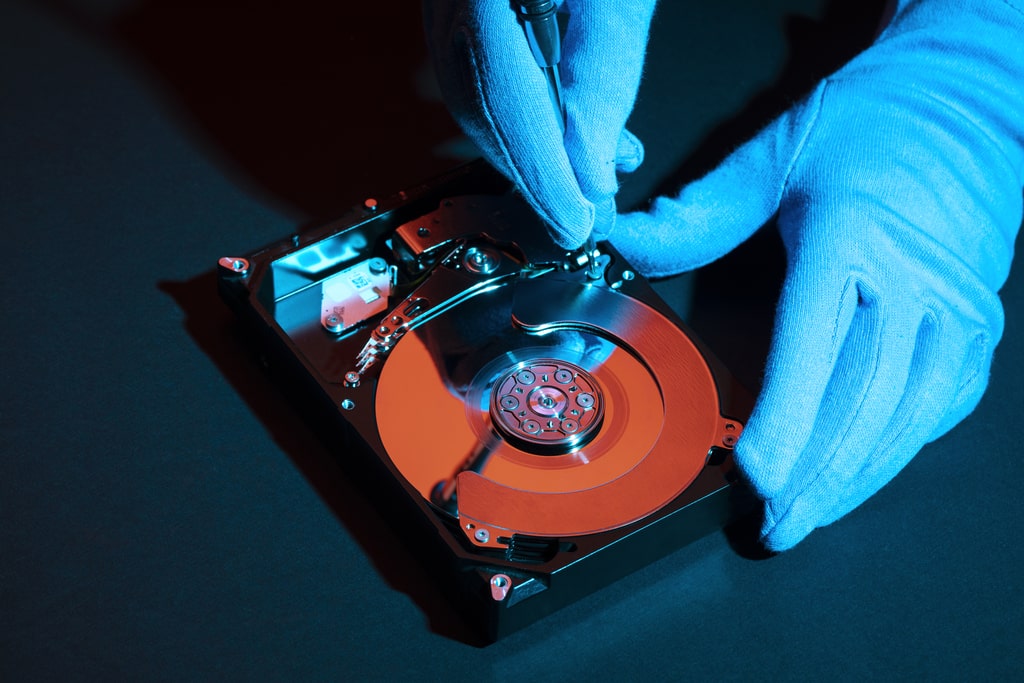
Preventing physical damage to one’s hard drive
It is mostly physical damage that causes our hard drive to be damaged.
This is for several reasons such as neglect, poor hygiene, lack of attention, and normal wear and tear over time.
Given that an old computer will inevitably encounter some kind of damage, there are behaviors that can be useful at the preventive level.
Cleanliness, bumps, and lack of attention
Dust accumulations cause, in the long run, damage to the circuits.
The computer struggles to work, and this results in power overload, overheating, and subsequent drop in performance.
A good hard disk ventilation system andthorough cleaning are needed; but this is obviously not enough.
Attention will need to be paid to possible shocks that could impair its operation.
The same can be said about the bad habit of consuming food and drinks next to your appliances, behaviors that can prove detrimental if food is spilled in a moment of distraction.
It simply serves to take care of one’s pc.
Voltage fluctuations
Power spikes and fluctuating power systems can cause serious damage not only to the hard drive, but to all other components of the pc.
In fact, the computer may not withstand a sudden voltage surge, causing inconvenience to all circuits.
It will be useful to adopt filtered outlets and uninterruptible power supplies in our offices.
How to prevent hard disk damage: what to do in case of damage?
If after all the preventive behaviors taken the damage still occurs, it will be necessary to think about how to recover the data.
In order not to find yourself with your back against the wall, it would be wise to back up.
It is easy, however, for this aspect to be overlooked and taken lightly.
After all, why should hard drive failure happen to us?
Instead.

Data recovery systems
Before you despair, you might try simply shutting down and rebooting.
Should the damage, however, be irreversible, the solution is to rely on professionals to recover data from the internal drive.
In this regard, there are several tools:
- SpinRite;
- Recuva and Foremost;
- TestDisk;
- DDrescue;
- PhotoRec;
- HDAT2
For data recovery without keeping the device on, it is useful to create a copy of the device on a medium with enough memory to contain it.
The free tool for Windows and macOS -DaraRescueDD- allows you to make images of all drives that have been damaged.
Data recovery, at any rate, is always possible if you rely on professionals in the field😉

The services of Oltrematica
If you are abusiness and need to get on a digitization path, Oltrematica can give you the push you need.
Consulting services and support on how to move into digital efficiently, making you even more competitive.